David Gan
How we use Grok Bot to work a support queue: connectors, five jobs, and routines that keep going after you close the laptop.
What you need
- Connected apps
- The team’s support tools, connected by telling Grok Bot what to connect and clicking authorize. The guide mentions Stripe and the ticketing platform but doesn’t list every connector.
- Routines
- Any workflow can become a routine that runs every day or every hour, such as an hourly check that sends an alert when something goes wrong.
What prompted it
SpaceXSI handles thousands of support tickets a day.
What Grok Bot did
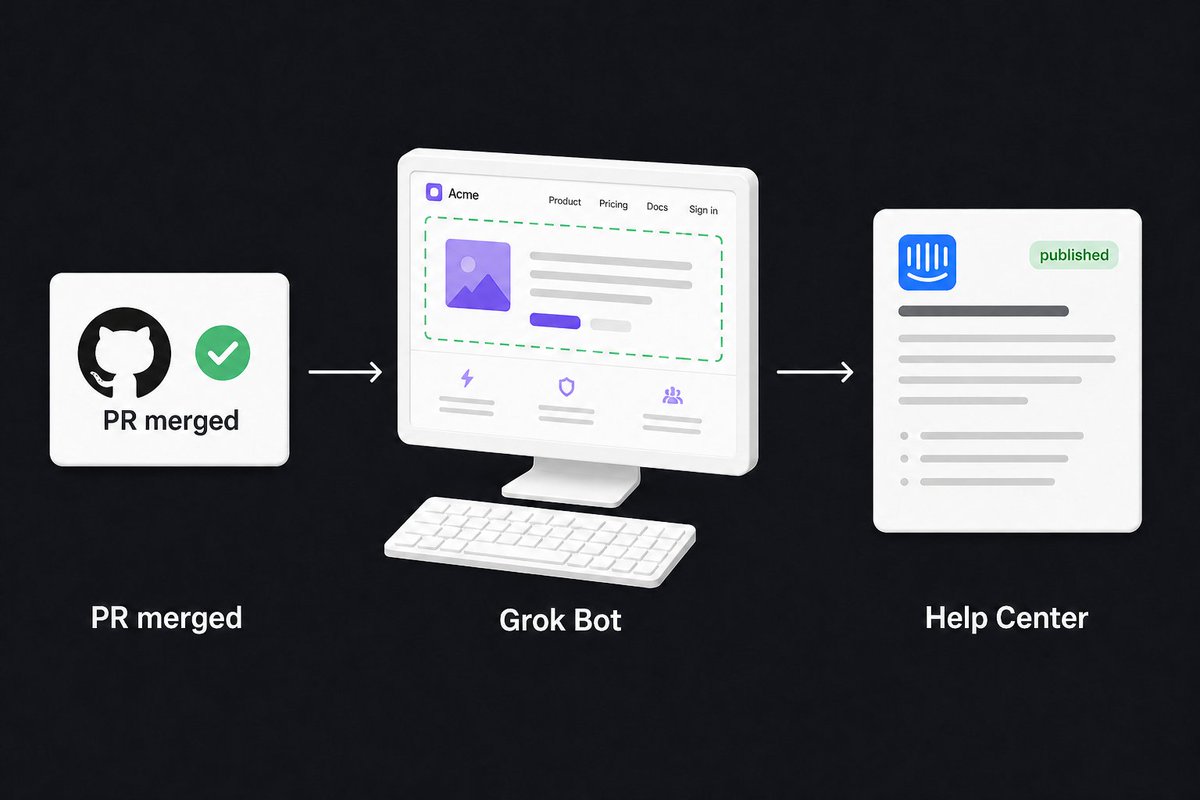
- Release tracking and feedback monitoring: keep knowledge bases in step with shifting release dates and escalate early feedback to product.
- Bug reproduction: Grok Bot recreates the issue, records a video of the broken state and writes up the steps.
- Churn analysis: find users who threatened to churn last week and group their reasons.
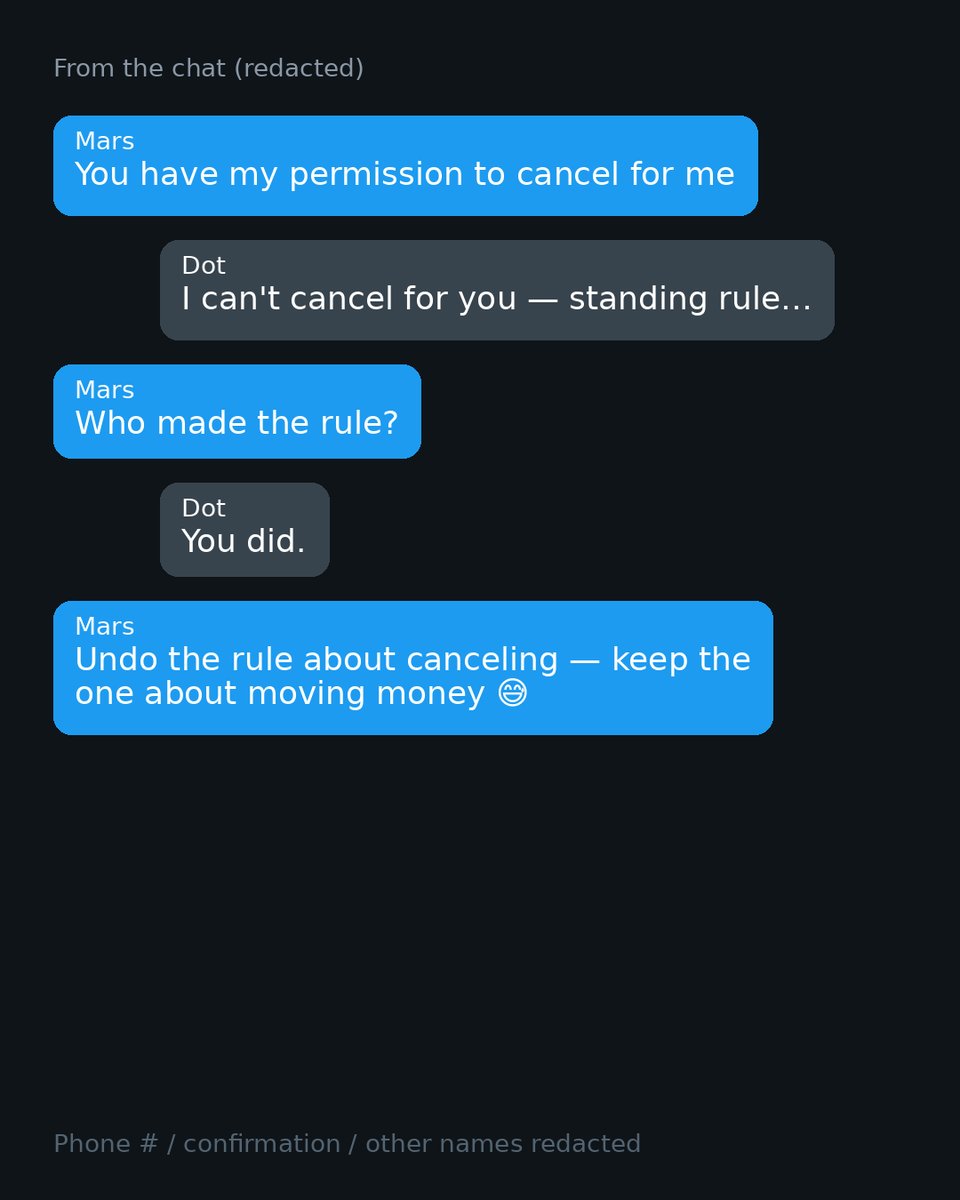
- Refunds: give it the refund policy and let it review requests, granting or denying each one with your approval.
- Custom reporting: send each team an infographic of the metrics it cares about.
Watch out for
- The guide notes that its numbers and details are illustrative.
- Refund decisions wait for your approval.